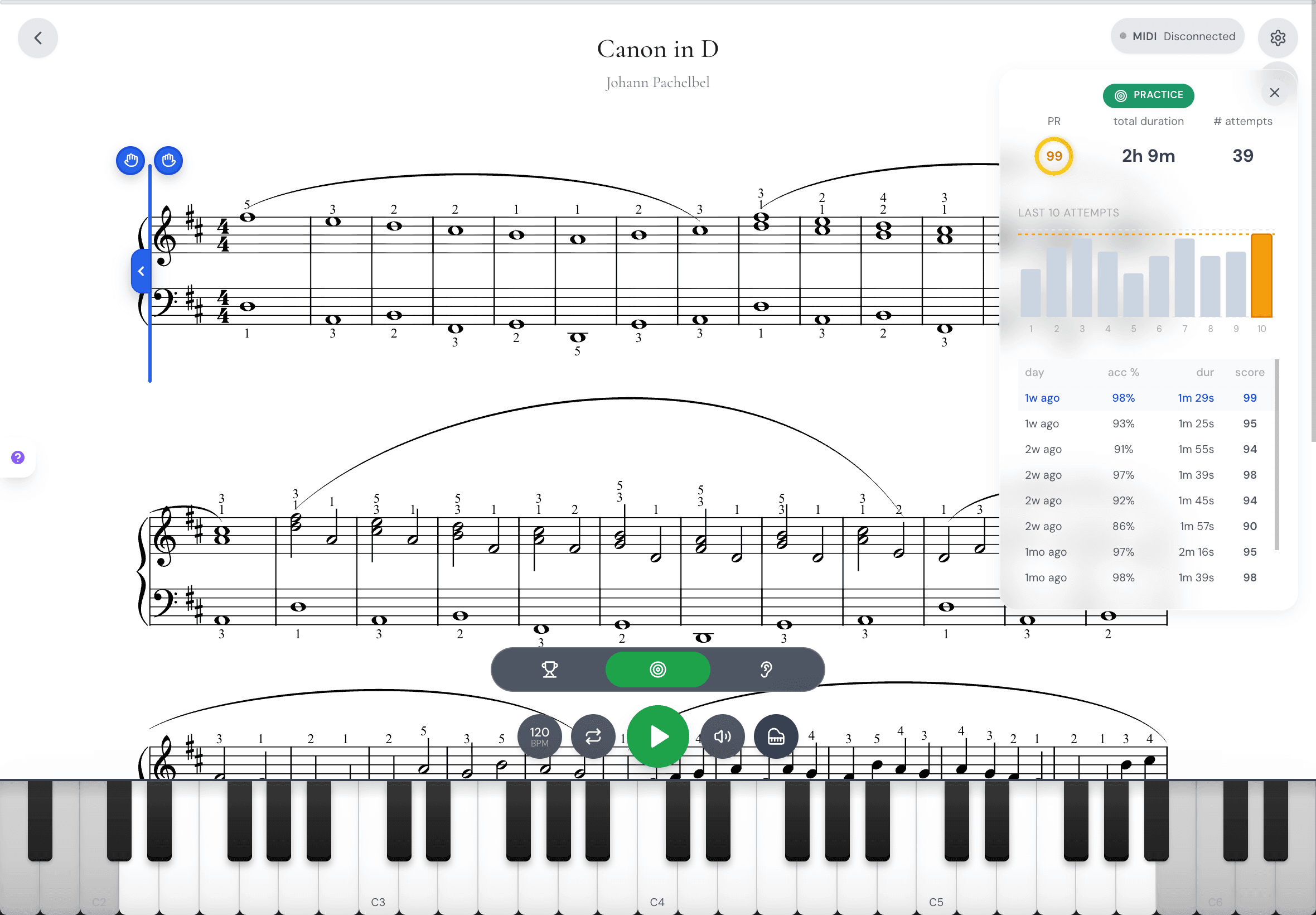
September was about the first days with MasterPiano, and about all the little moments that should just work: saving your results, keeping your keyboard connected, and printing a score.
A friendlier first practice
New players now get a guided start. We help you connect your piano or microphone, give you a first piece to try, and then a short plan for your first day with sight-reading, a piece to learn and a practice goal.
If you do not have a piano nearby, you can start with the on-screen keyboard.
See how your session went
After a sight-reading session, a summary brings your results together. Swipe through the cards to see how each piece went.
Your first ten pieces now set your starting level, and then calibration ends. Stopping early no longer counts as a full try, so an unfinished run never replaces your best one.
Preview and print your music
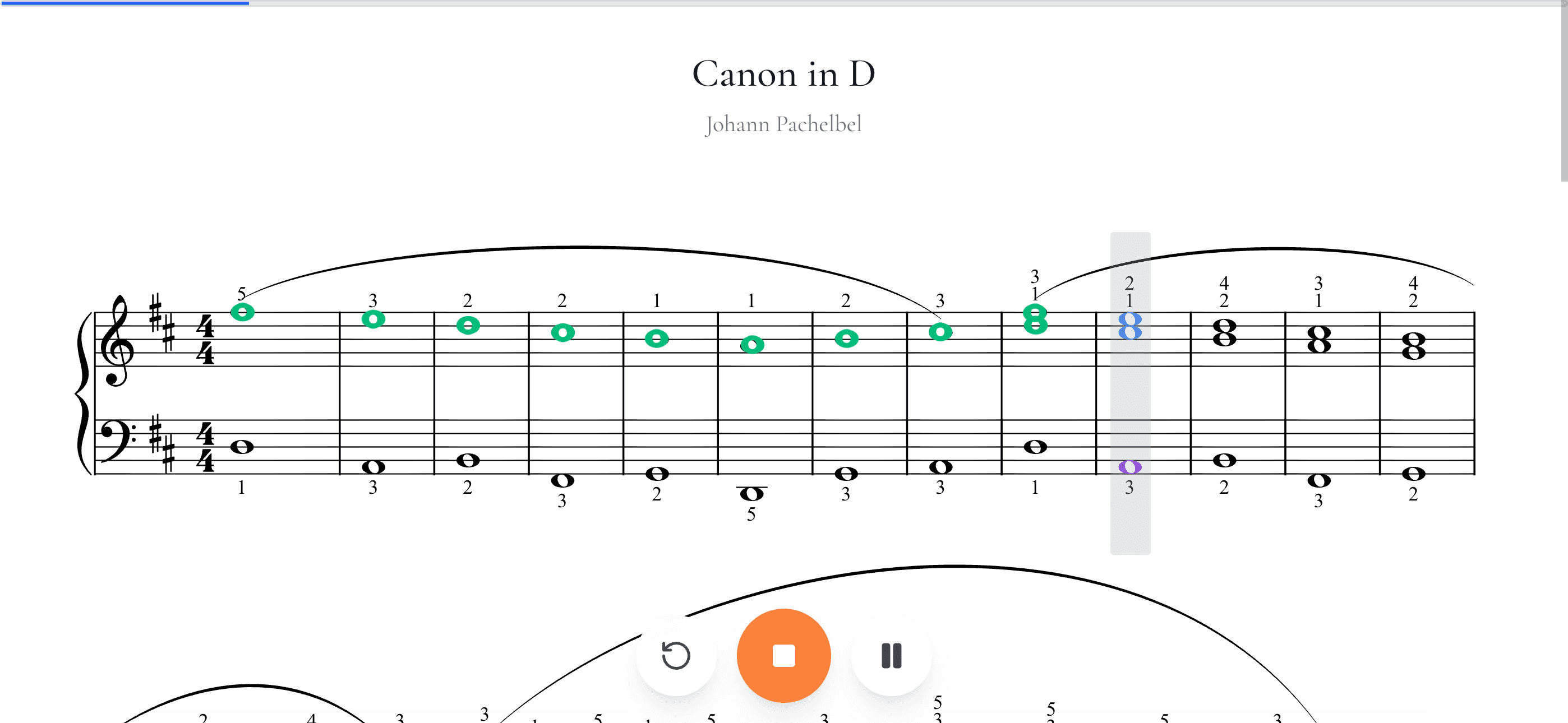
You can now preview a score page by page before you print it. Printed pages and saved files use the right title and composer, clean margins and the notation options you picked.
Print sheet music is also in the player settings, so you can print without leaving the piece.
Practice that keeps going
Your keyboard now stays connected as you move between pages. On Linux, the real keyboard stays picked. If the sound stops, playback can come back, and microphone setup offers a retry with clear help when something is blocked.
Scored microphone practice is saved even after a very short run. While the music plays, the cursor moves smoothly and held notes stay lit for their full length.
Ask us for anything
Updates and requests now live in one place, in your account menu. Read what changed, ask for a feature or a piece of sheet music, report a bug, and vote on what others asked for.
You can add a screenshot or a short video to show us what you mean. When we add a piece you asked for, you can open it and play.
Save pieces from the player
You can now save a piece to your repertoire right from the player, without going back to the library.
Thanks for every request on the new board. We read them all, and several of the fixes above came straight from you.