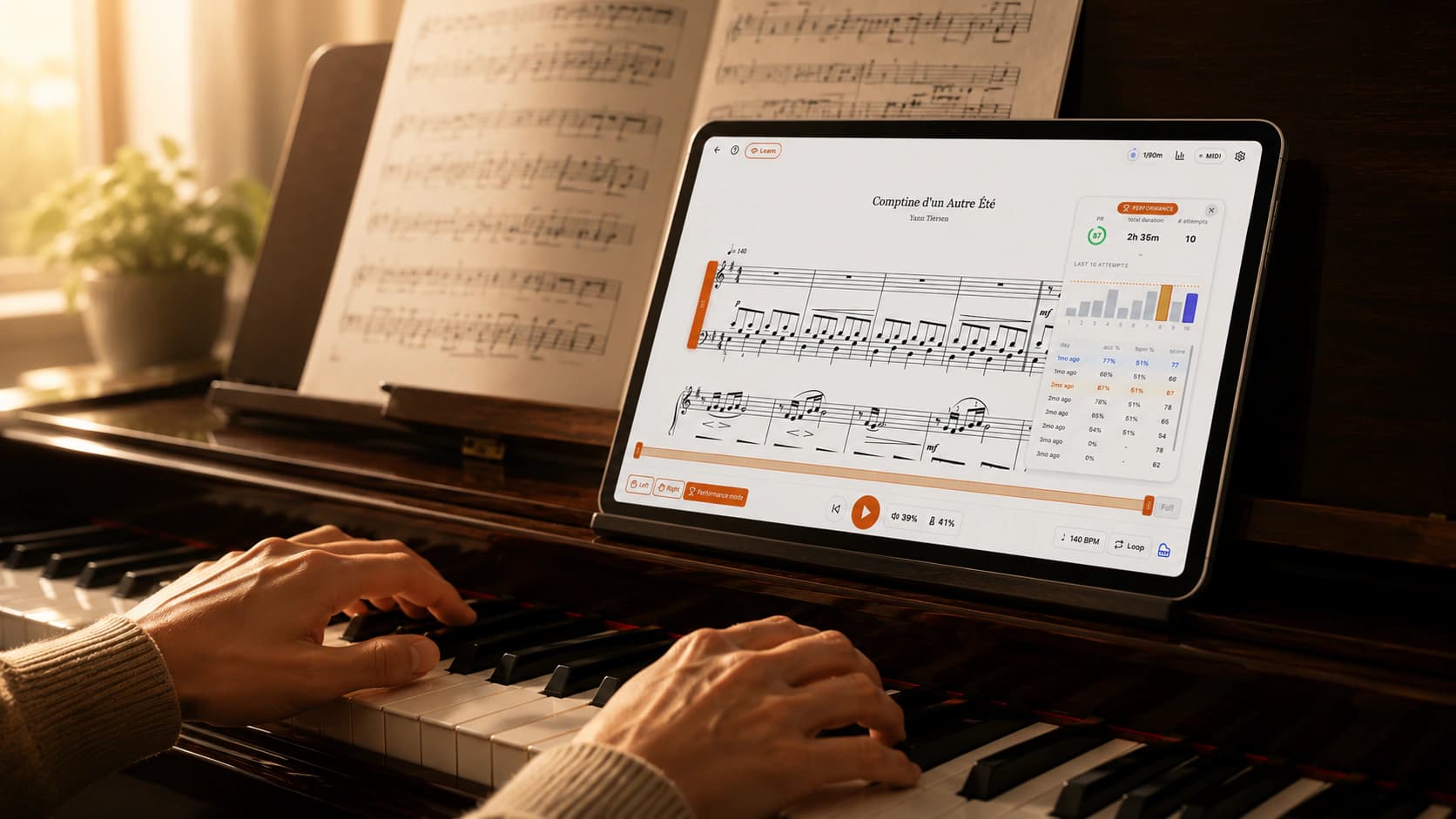
October was a big month. Most of the new app's work went into one thing: making practice feel right, whether you play with a keyboard cable, Bluetooth, or just the microphone.
Here is what changed, and what it means when you sit down to play.
The new app is here
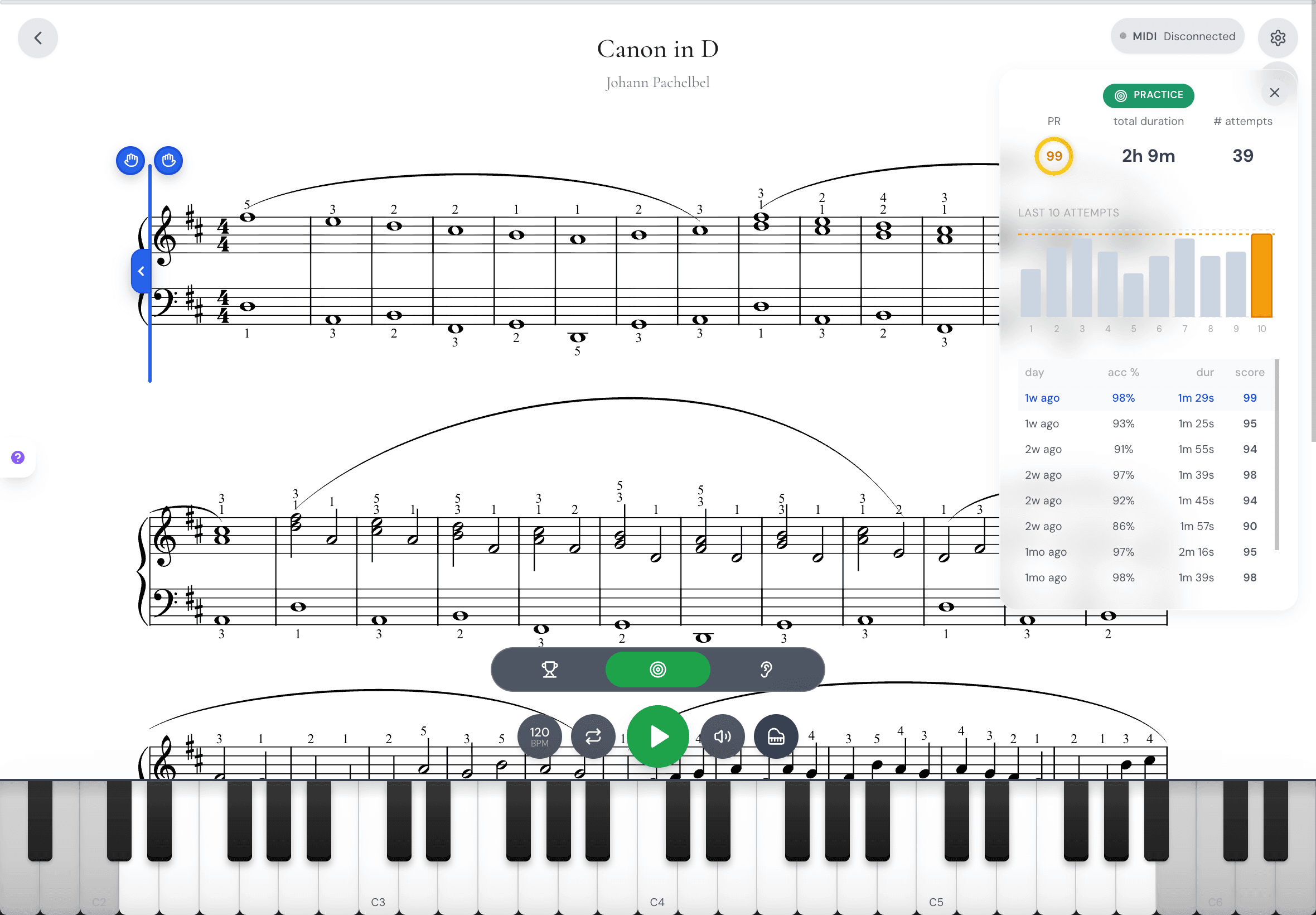
Early in the month, the new MasterPiano app arrived on iPhone, iPad, Android and the web, with practice, sight-reading, results and stats in one place.
Families can now share one Premium plan: choose who is playing, and each child keeps their own level, pieces and progress. Students can also join a teacher's class and work on the pieces they are given.
Scores read as written too. With note names on, flat keys show A♭ and B♭, not G♯ and A♯. And there is a new perfect-pitch test: 16 notes, name each one, and see your score.
The microphone hears you better
If you play an acoustic piano, this one is for you. With the microphone, MasterPiano now picks up your notes and chords much more reliably in Wait mode and Play along, and it hears fewer notes you did not play.
Pieces on the microphone offer Wait and Play along again, just like with a keyboard. On Android, Play along no longer stops right after it starts.
Listen back to your playing
Many of you asked to hear how you really sound. Turn on Save my recordings in Settings and each run keeps its sound, plus the keys you pressed when a keyboard is connected.
Open My recordings any time to listen back. It is off until you switch it on.
Short drills, free for everyone
Drills are quick games for note names, rhythm and intervals. They now live under Sight-Reading for every player, free.
Play them on a keyboard or with the microphone. The rhythm drills now use bars in 2, 3 and 4 beats at different speeds, and you keep the level you reached even after an easier round.
One page for all your pieces
The Pieces tab is now a single page. Search at the top, quick filters for your repertoire, your uploads, books and composers, then rows of pieces at your level.
Search is kinder too. Type "fur elise" without the accent, or make a typo, and you still find it.
Keyboards that just work
A lot of small fixes add up here. Bluetooth keyboards now connect on older Android tablets. Some Bluetooth pianos only counted the first press of each key, and now every press counts.
In the web app, your keyboard plays again after your computer wakes from sleep, with no reload. If Bluetooth pairing fails, you now see why and how to fix it.
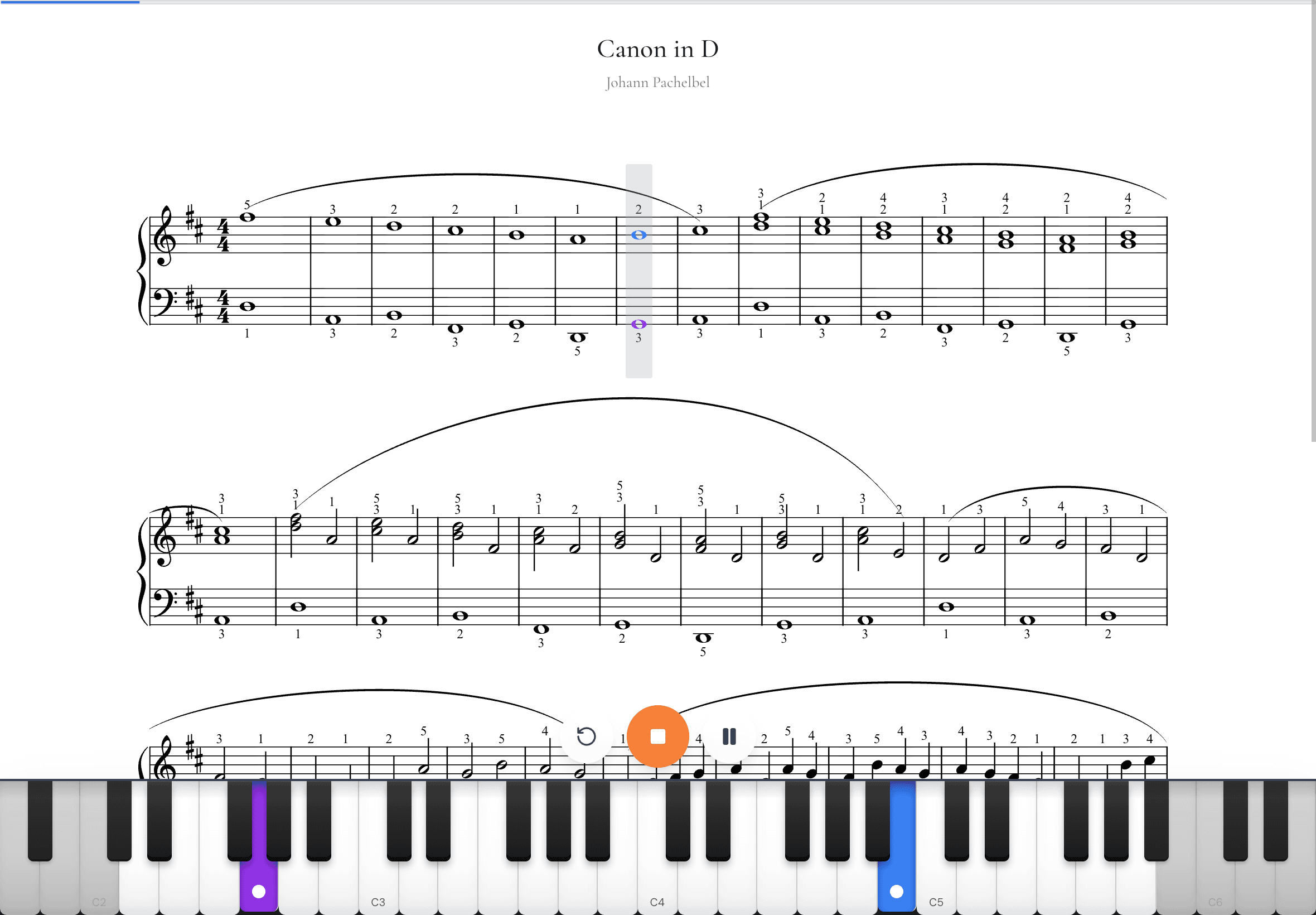
Before you press Play, each key you press shows on the score at the cursor. It is a simple way to check your piano is heard and to find your first note.
Scores that read well
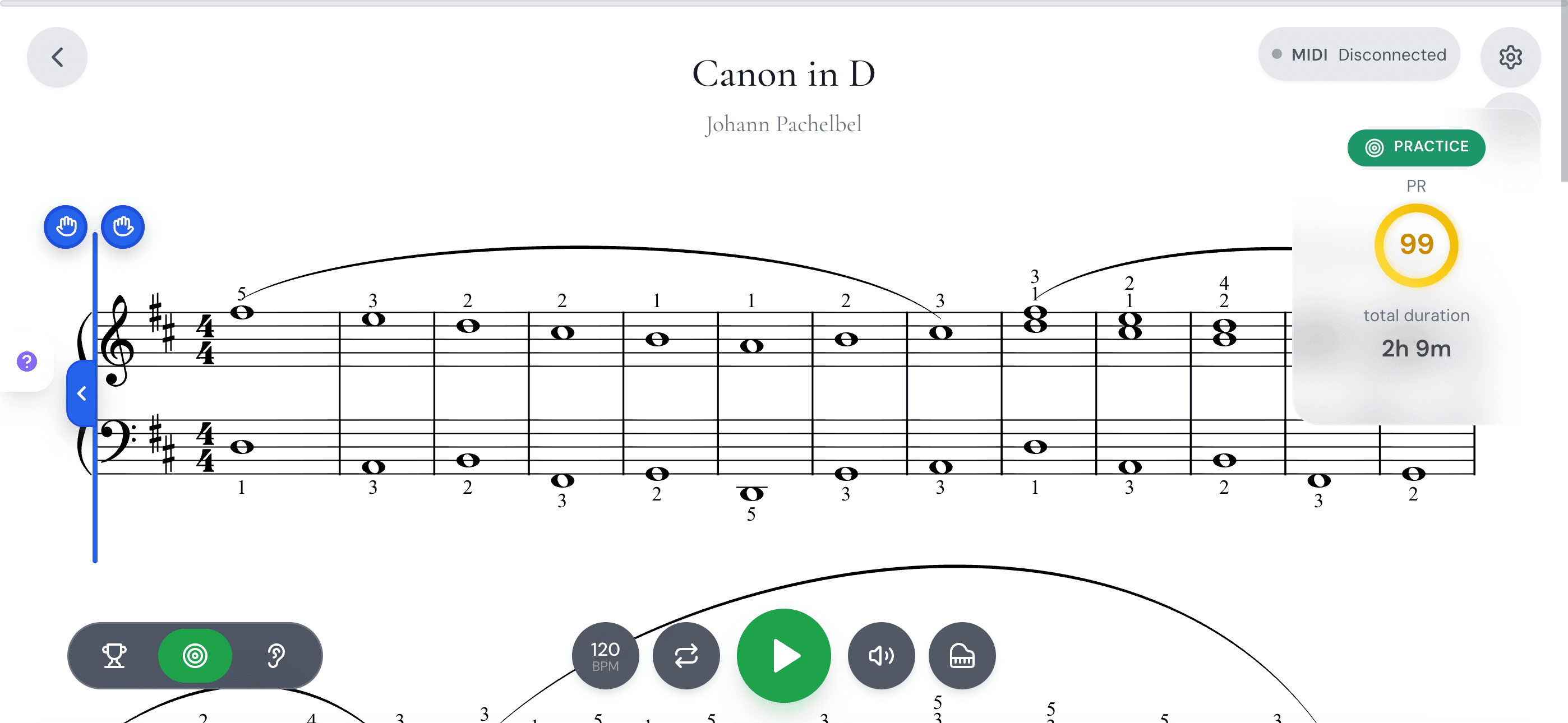
Finger numbers printed in a piece now show on its sheet page and while you sight-read. Pieces with hidden lyrics no longer leave a big gap between the staves.
Nearly a thousand pieces that all played at the same speed now play at a speed that fits the music. Each device now keeps its own zoom, and phones keep one zoom upright and one on their side.
Sight-reading also stays fair: no more new pieces far above your level, and a read you pass never lowers your level.
Small things that made a difference
Today's plan now ticks off properly, even if the app stayed open overnight, and the piece step counts your minutes on any piece you are learning.
Daily practice reminders really turn on when you ask for them. Restart works again in Play along on iPhone and iPad. Uploading your own sheet music works again, and you can choose which emails you get from us.
Premium members can download or print any piece, in the app and on sheet pages.
Thank you to everyone who wrote in, posted on Discord or sent a screen recording. Many of these changes started with one of you.